
How to Choose a Multi-Brand Pergola and Awning Configurator
A dealer checklist for product catalogues, rules, pricing, visualisation, access and order handoff.
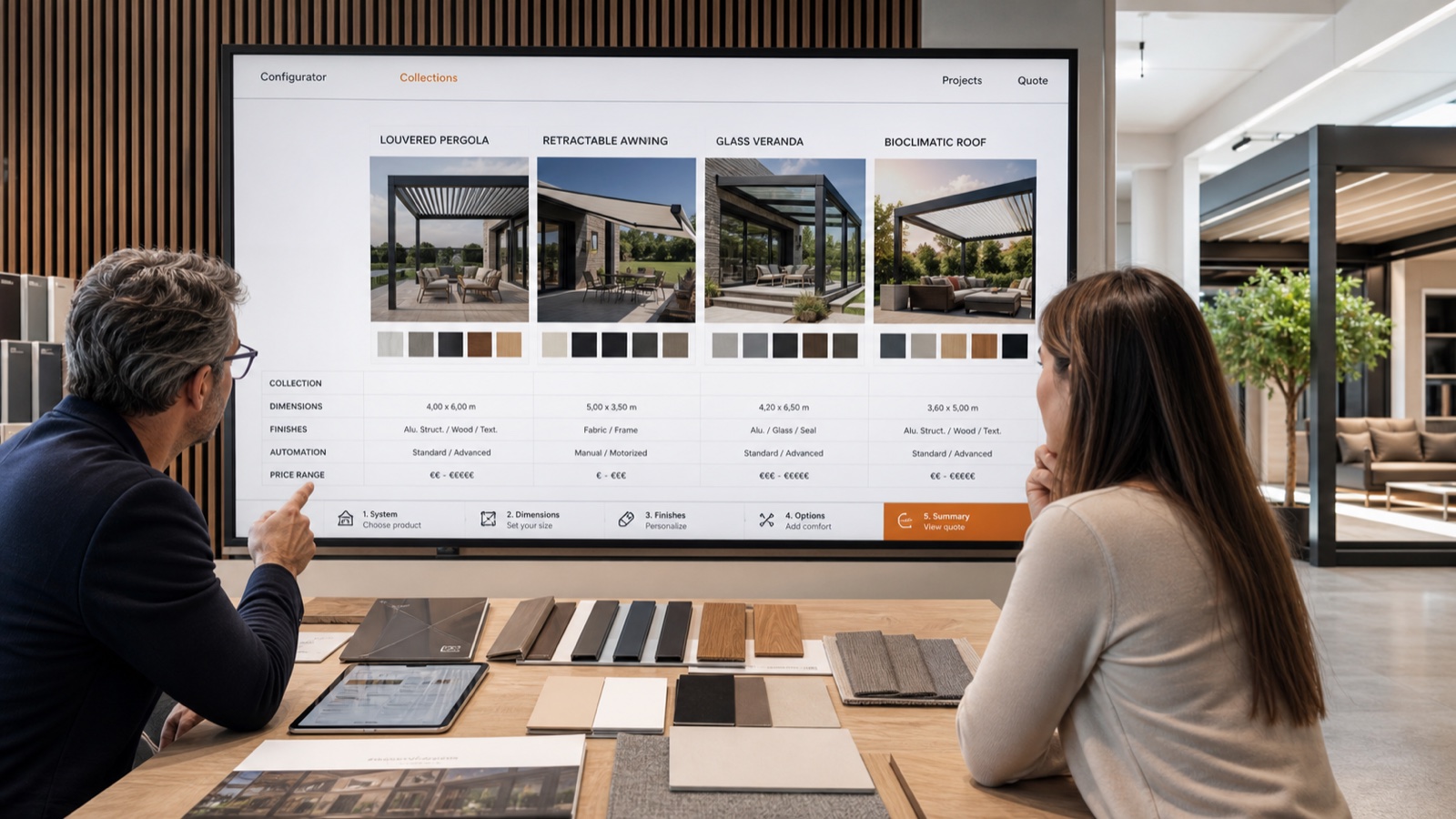
Table of contents
Why consider a multi-brand configurator?
A dealer who sells several pergola or awning ranges may need to manage different product options, price lists and ordering processes. A shared configurator can bring those choices into one sales workflow, provided each manufacturer's product rules and data are available and agreed for use. A manufacturer's own tool may be sufficient when a business sells one range and its existing workflow meets its needs.
What should dealers compare?
- Catalogue and permissions: Which ranges are included, who supplies product data and who may update it?
- Product rules: Can the proposed system represent dimensions, finishes, options and incompatibilities for each range?
- Pricing: Where do prices come from? Who approves discounts, site-specific costs and updates?
- Visualisation: Test representative products on the devices and connections your team uses. If AR matters, agree supported devices and fallback behaviour.
- Branding and access: Decide whether dealers need their own branding, accounts, price visibility and access to customer projects.
- Quotes and handoff: Check what goes into a quote, who approves it and how the accepted version reaches your ordering or production systems.
Ask each supplier to demonstrate the same product and sales scenario. Compare the full scope, implementation responsibilities, ongoing catalogue maintenance and support rather than relying on a feature list alone.
From customer requirements to an order
Start with the site, customer requirements and available product ranges. The configurator can present the agreed options and help the salesperson explain differences. Before acceptance, check measurements, installation conditions and any pricing exceptions. Record the approved configuration and ensure the order references the same version.
How Configurix approaches a dealer project
Configurix builds configurators and custom business software around the catalogue and workflow agreed with each customer. A project can cover multiple ranges, visual configuration, branded interfaces and connections to quoting or business systems where included in scope. Availability of catalogue data, AR, pricing rules and integrations must be confirmed for the specific implementation; they should not be assumed to be ready-made for every brand.
Explore the pergola configurator and awning configurator, then discuss the ranges, users and systems your business needs to support.
Ready to try Configurix?
See how the configurator, quoting and CRM work together for your business.
Book a demo →Related articles
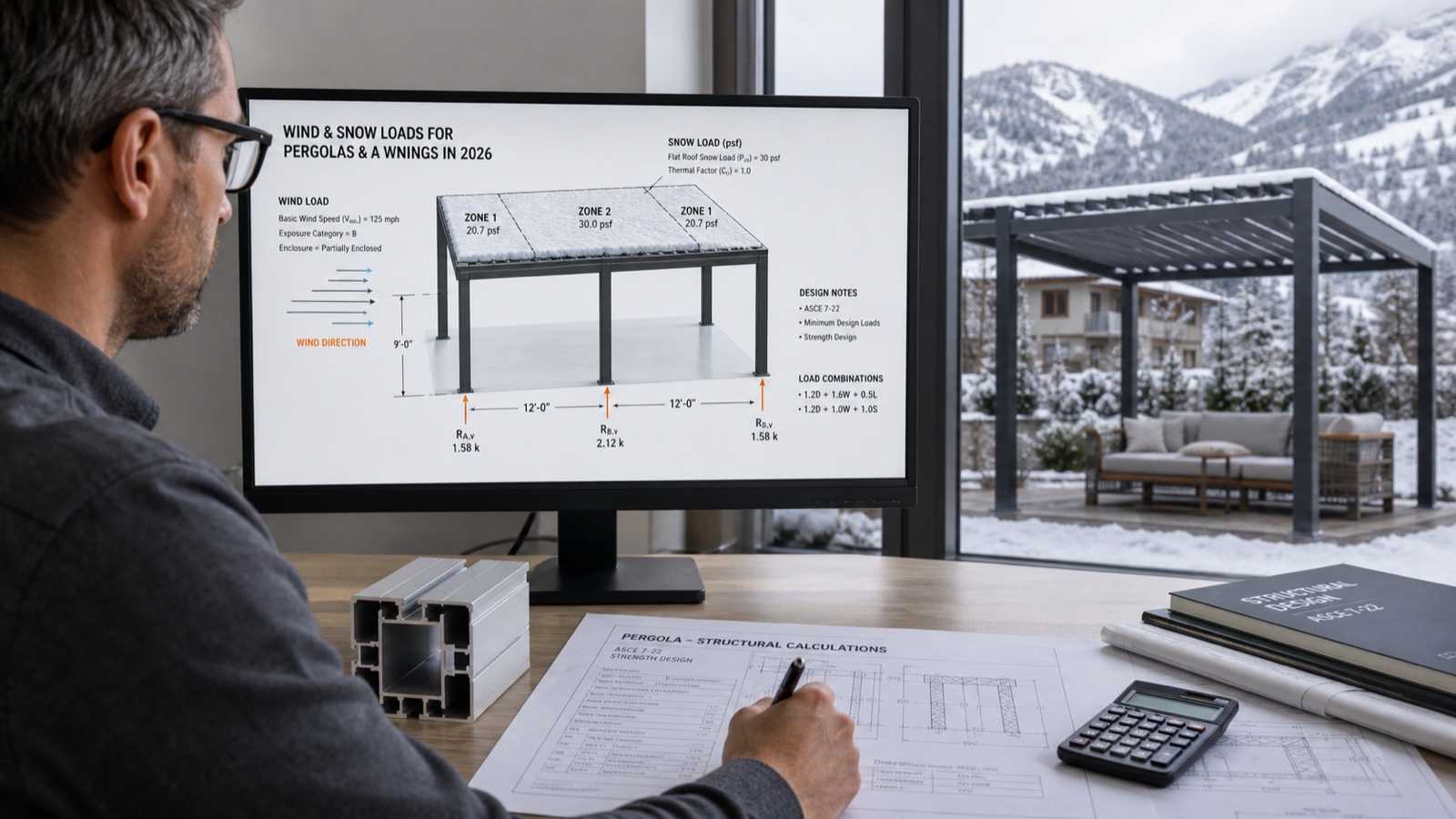
Wind and Snow: What to Check Before Quoting Pergolas and Awnings
A practical checklist for site conditions, manufacturer documentation and technical review before quoting a pergola or awning.
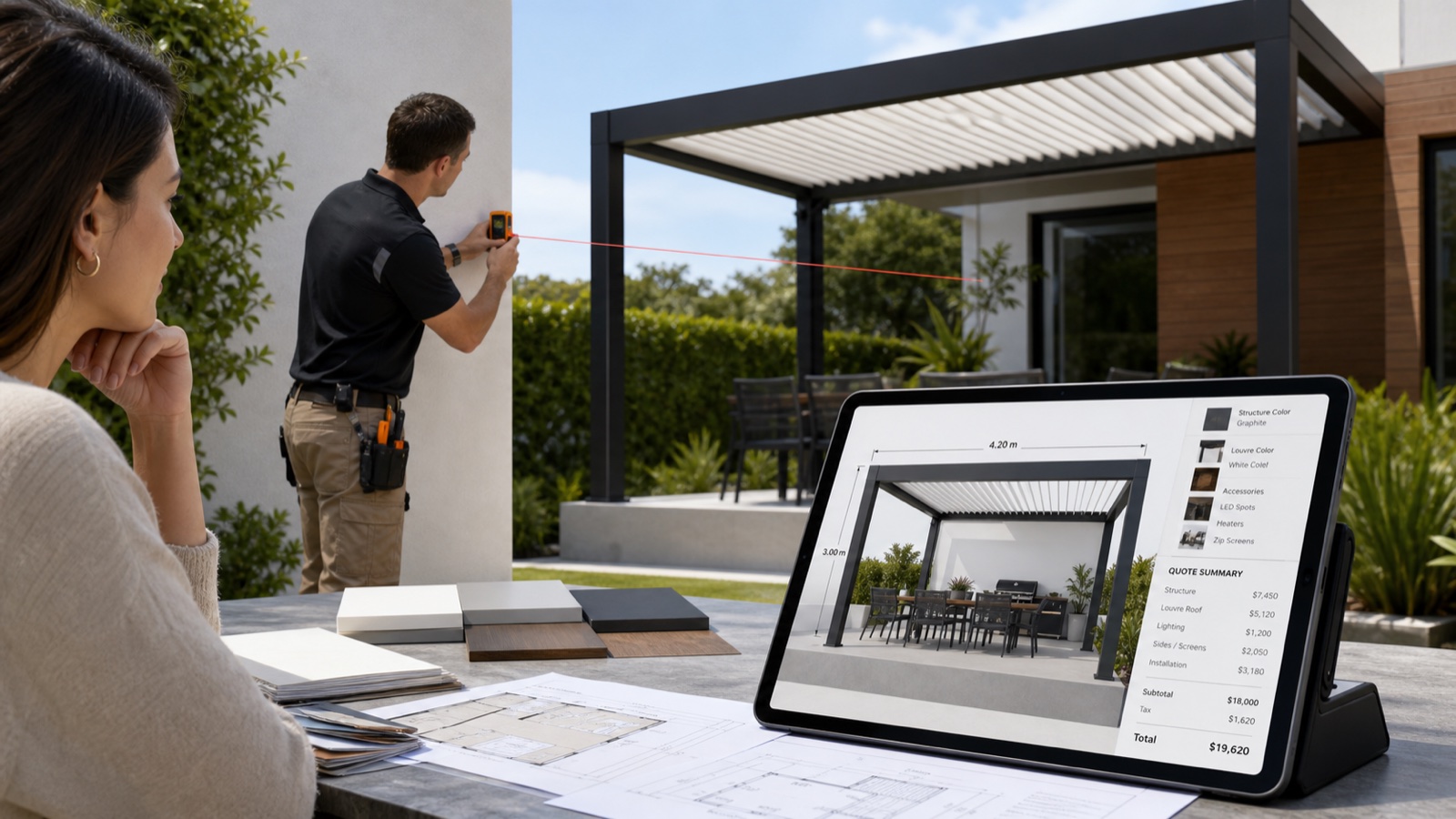
Build a complete pergola quote: site, options and pricing
A practical pergola quotation checklist covering mounting, roof systems, accessories, installation scope and itemised Configurix quotes.
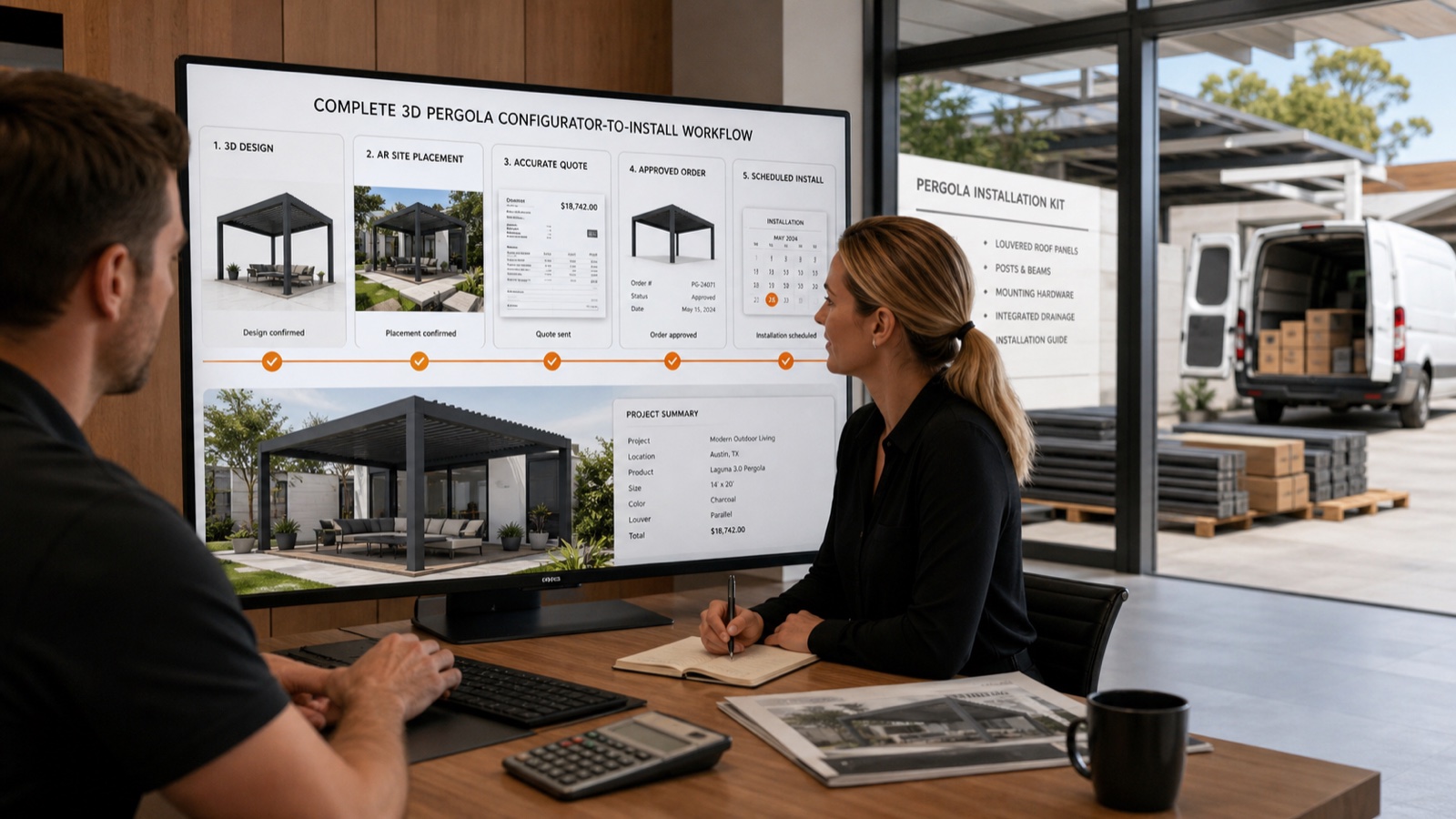
Instant 3D-to-Install Workflow: AR Preview, Branded PDFs & Scheduling
Turn a lead into a signed install in hours—not days. This guide shows outdoor-product installers how Configurix uses real-time 3D + AR, automatic pricing and branded PDF quotes to close pergola, awning and AC jobs end-to-end.

Measure pergola quoting efficiency with a 3D configurator
Measure quote turnaround, revisions and dealer adoption against your own baseline when introducing Configurix for pergola sales.