
Sunroom glazing specifications: from panel layout to a clear quote
Connect sunroom glazing, opening direction, panel references and quote revisions in a Configurix specification workflow.
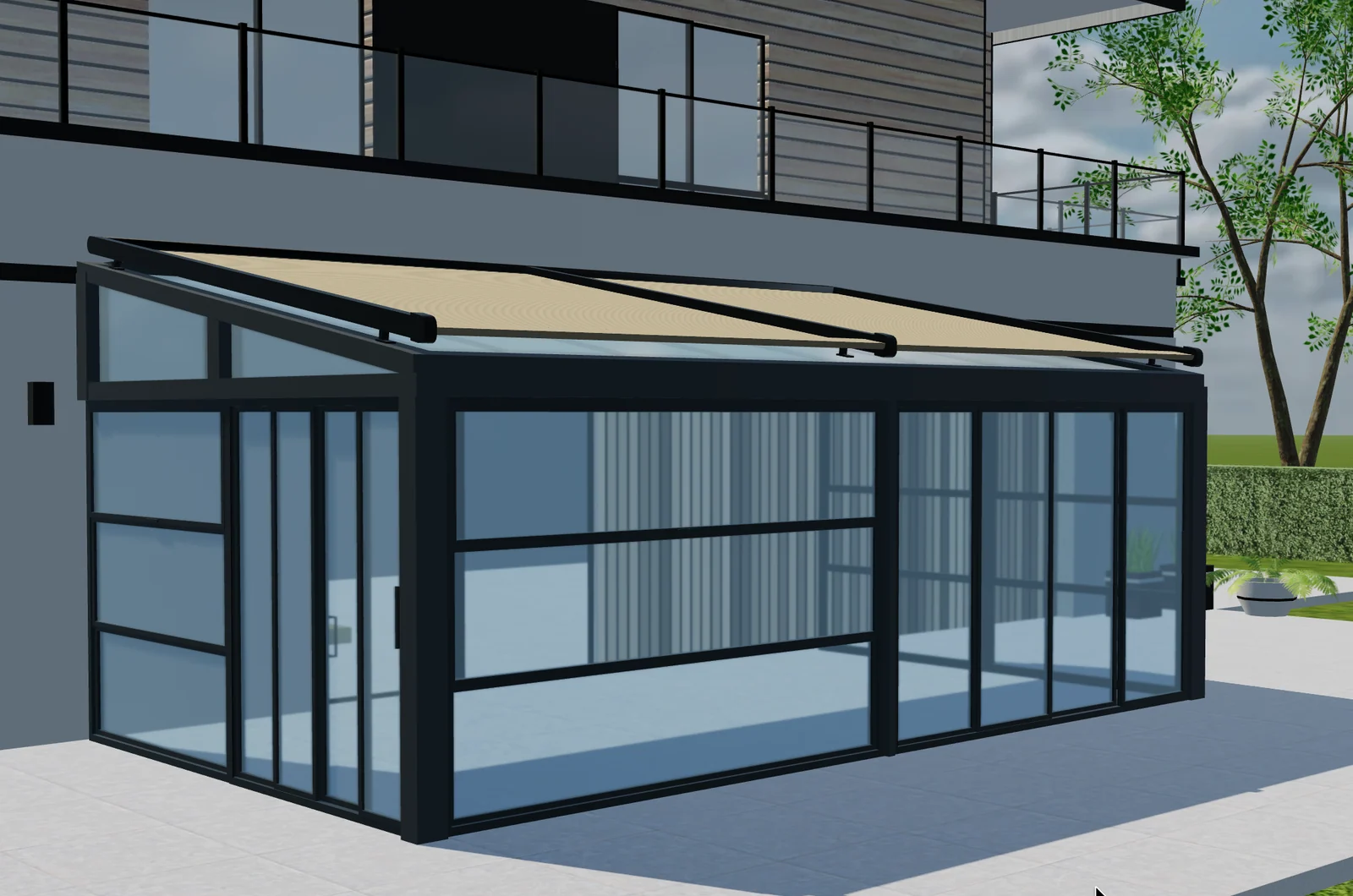
Table of contents
A sunroom quote can say “sliding glass” and still leave important choices unresolved. Which opening does it serve? How many panels are included? Where do they stack, and which finish and product reference apply? Those details affect what the customer expects and what your team orders.
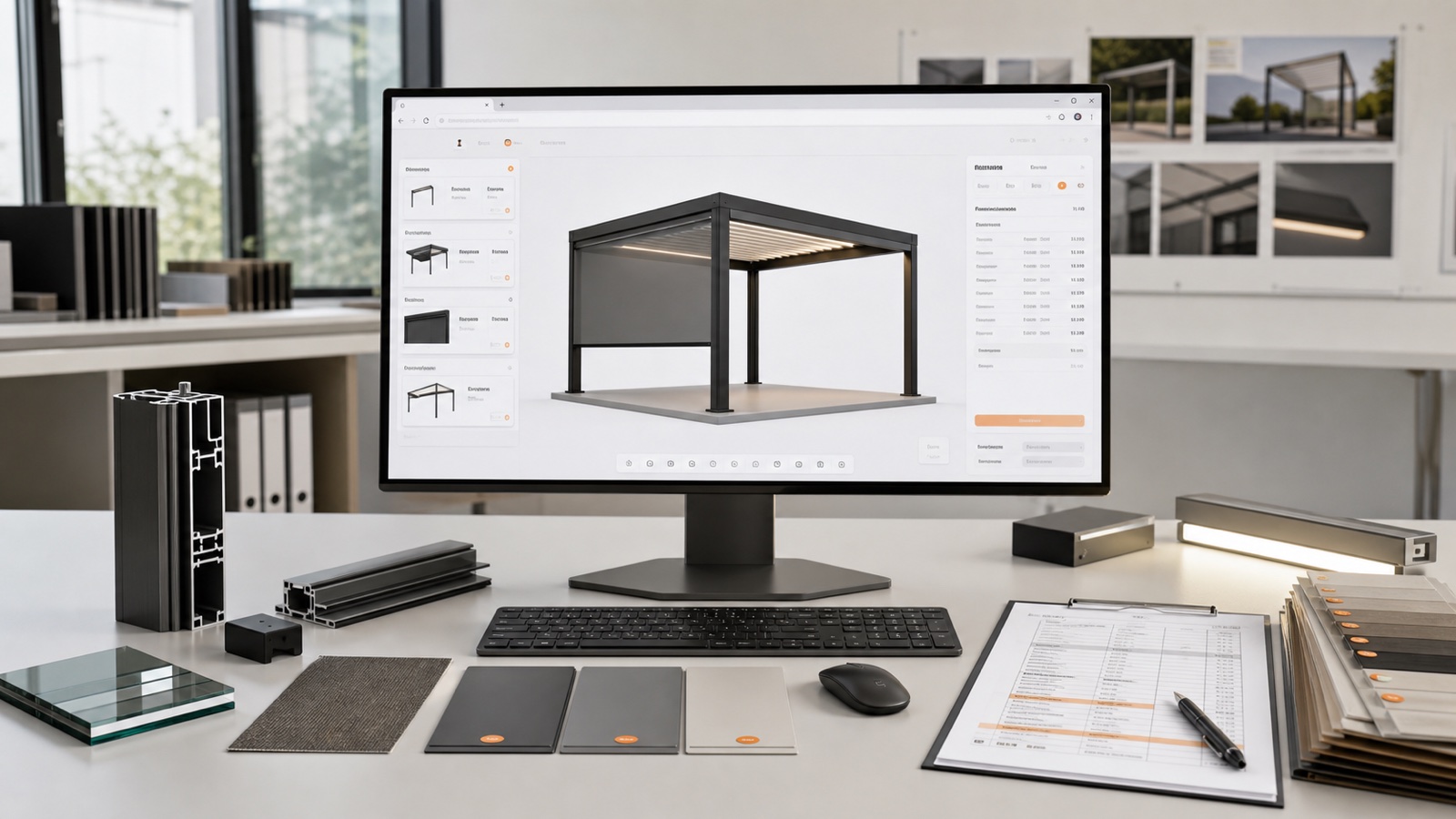
A Configurix sunroom implementation can connect a visual layout to catalog choices and quoting. The objective is not an unrestricted architectural drawing tool: it is a specification workflow for the sunroom systems your business supplies.
Identify each elevation and opening
Label the front, left and right elevations consistently in the model and proposal. Record the dimensions of each opening using the manufacturer's measurement convention. Keep surveyed dimensions distinguishable from an early customer estimate.
When a frame changes, review the affected glazing instead of assuming the previous panel arrangement still fits. That relationship belongs in the product rules.
Specify a system, not just an appearance
Separate fixed glazing, sliding systems and doors as catalog options. For each selection, preserve the product family, permitted layout, opening direction and relevant references. A visually similar panel can belong to a different profile or hardware system.
Configurix can guide customers through compatible options while retaining the information sales staff need for a quote. The manufacturer supplies the approved combinations and dimensional limits for the implementation.
Show how the chosen opening works
A closed front view can conceal how panels move or where a doorway sits. Use the visual journey to explain the selected opening and its relationship to nearby elements. Keep the written specification consistent with that view, especially when the customer switches between alternative layouts.
| Part of the specification | Question to resolve | Quote information |
|---|---|---|
| Opening | Which elevation and dimensions? | Location and measured scope |
| Glazing system | Which approved product family? | System name and reference |
| Panel arrangement | How does the opening operate? | Layout and opening direction |
| Finish and hardware | Which compatible choices? | Included options and item codes |
Connect panel choices to quote items
The approved Elite Aluminum project includes sunroom configuration and automatic quotations with item SKU references. That is relevant evidence for buyers who need more than attractive product imagery: the proposal must identify the selected items.
See the published customer projects, then compare your own quotation requirements. Specify which references belong on the customer document and which belong in an internal order export. Do not assume that every implementation uses the same item structure.
Confirm changes after the site survey
If surveyed dimensions differ from the enquiry, create a revised specification. Recheck the panel layout, selected system and price, then issue a clearly identified quote revision. An earlier PDF should remain a record of the earlier proposal rather than silently changing when the project is updated.
To scope your range, bring one fixed-glass layout, one sliding layout and a quote with its corresponding item codes. Review the Configurix sunroom configurator and book a private demo to discuss the connection between your model, glazing catalog and commercial documents.
Book a private Configurix demo
Bring your product range, price list and a representative quote. We can define the configuration and sales workflow around your business.
Book a private Configurix demo →Related articles
Phase 5: Product Configurator Launch, Analytics and Continuous Improvement
Launch a 3D product configurator with clear ownership, event measurement, support, catalogue governance and a practical plan for multilingual and multi-product growth.
Phase 4: Quotes, BOM, Integrations and Product Configurator Testing
Connect one accepted configuration to quotes, CRM, ERP, ecommerce or BOM outputs, then prove the complete workflow with structured acceptance and failure tests.
Phase 3: 3D Asset Pipeline and Configurator UX for the Web
Prepare accurate browser-ready 3D assets and design a clear, responsive configurator experience that keeps product state, price and customer intent connected.
Phase 2: Building the Product Data, Rules and Pricing Model
Turn catalogues, identifiers, dimensions, compatibility knowledge and price logic into a governed product model that can drive 3D, quotes and downstream data.