
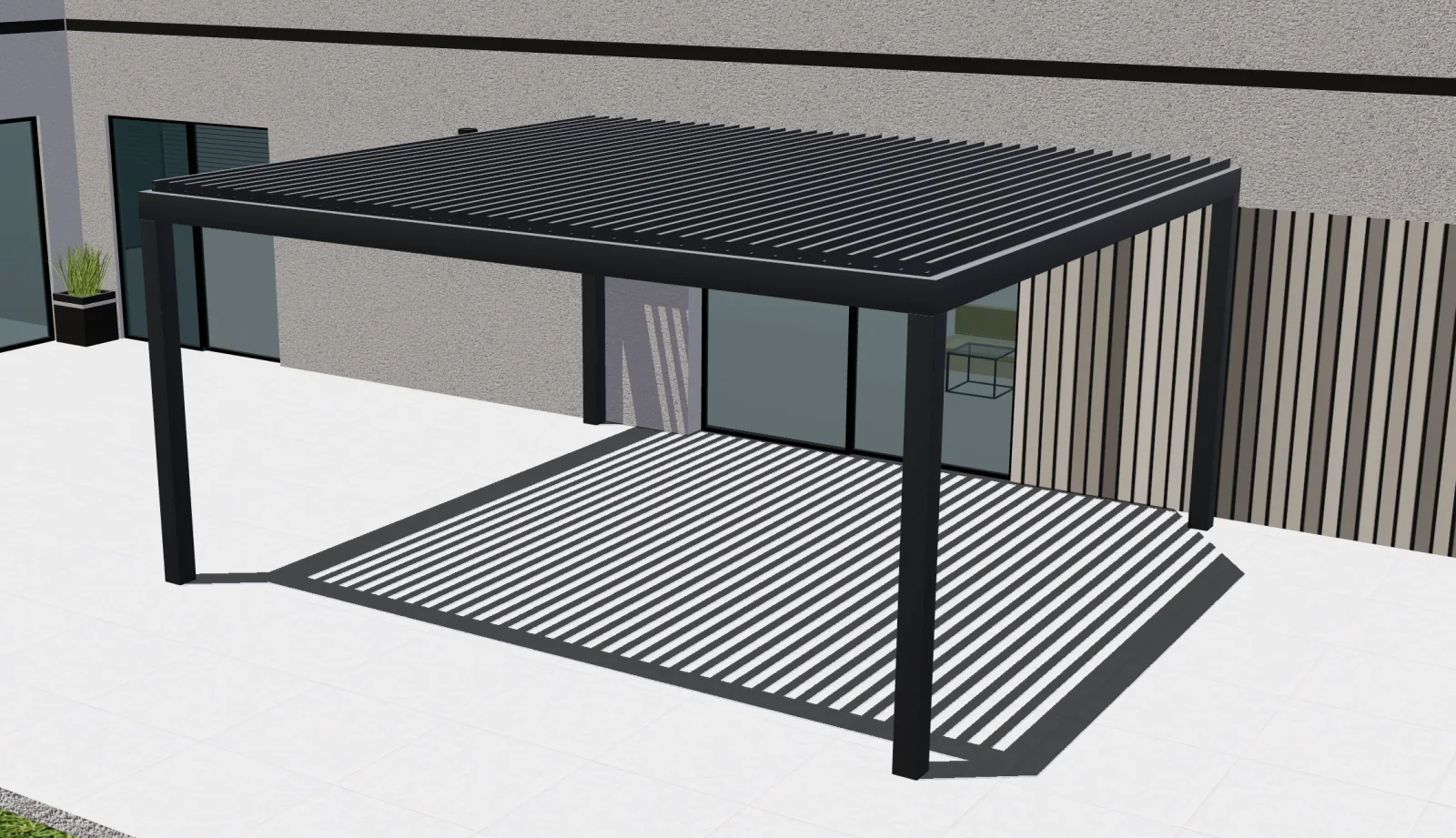
Identify the municipality and the type of work
Ask for the installation address, current deck or slab, and whether the proposed cover will attach to the building. Ontario’s building permit guidance directs applicants to the municipality. Markham, Brampton and Waterloo each publish their own building information. Record who contacted the applicable department and what documentation it asked for.
When an open structure gains a solid roof or side enclosure, reopen the survey and approval questions. Collect the supporting drawings and manufacturer information your reviewer requests. Route the details for any required review of snow, wind or how the frame attaches to the building before releasing a firm installation price.
Keep the CAD quote legible through delivery and survey
Set one measurement basis for the catalog and convert at input if your dealers work in a mixture of millimetres and feet and inches. Quote in CAD with a clear tax basis. Separate the price of the configured structure from site labour and delivery, especially when a dealer sends the final leg to a different crew.
If a buyer asks for a longer projection after a Waterloo survey, create a revised design and new quote. Show the changed parts, revised delivery charge if applicable, and what still depends on technical review. Keep the buyer’s earlier quote accessible so your team can explain the difference without rebuilding the project.
Track qualified opportunities instead of postcode traffic
For Markham or Brampton campaigns, measure submitted projects your crew can actually serve. Keep the delivery area, product type, roof choice and survey status in the enquiry. A usable sales dashboard can follow the job from approved territory to survey, quote and outcome, including the cases that stop because the proposed installation cannot proceed.
What to check with your team
- Installation address and confirmed municipality
- Attachment, deck or slab, and roof and enclosure scope
- CAD amounts, tax basis and delivery boundary
- Customer-approved quote revision and remaining review steps