
Help customers find the part that fits their product.
Plan a manufacturer spare-parts portal with product identification, historical configurations, replacement compatibility and reviewed service requests.
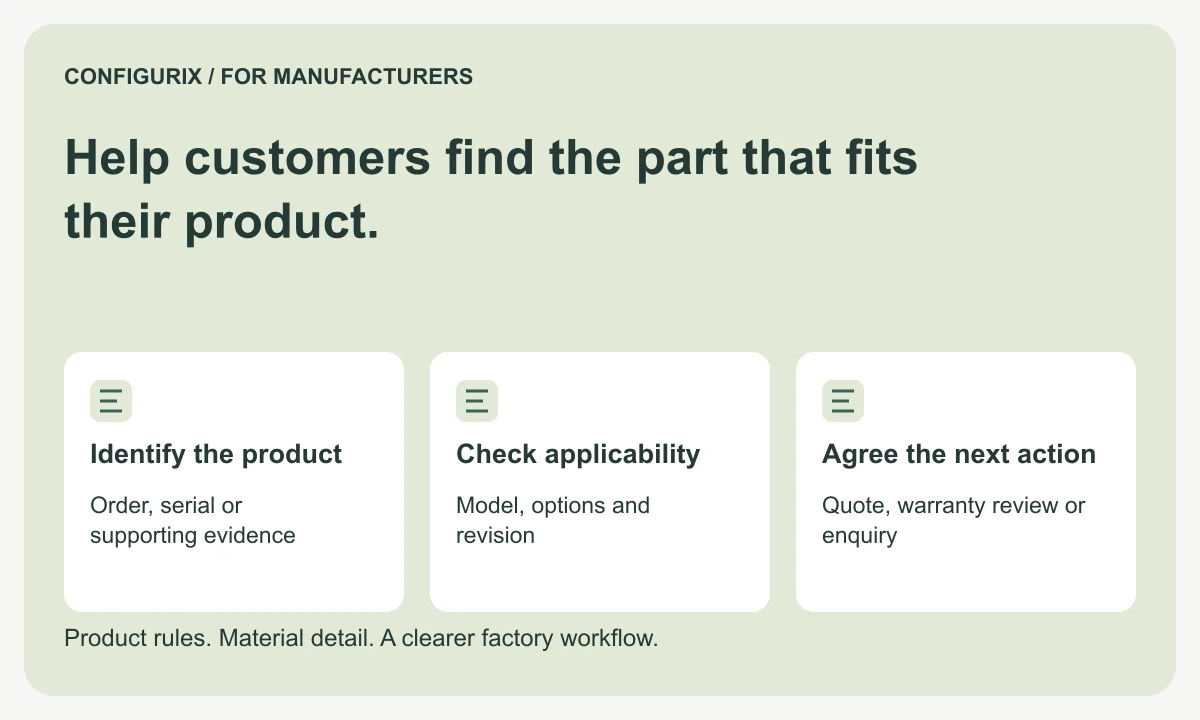
Table of contents
- Start with product identification
- Preserve the configuration associated with the product
- Maintain replacement relationships explicitly
- Separate identification, commercial approval and fulfilment
- Design the portal for dealers and end customers
- Keep a service history that improves future decisions
- Test ordinary and uncertain requests
- Can customers order a part directly?
- Can the portal use our original configurator data?
- What if we cannot identify an older product?
A spare-parts request often arrives long after a configurable product was sold. The customer may know the original order number, a serial number or only the appearance of the product. Meanwhile the manufacturer's catalogue, component references and supplier range may have changed. A useful service workflow connects the installed product to the parts that actually apply to it.
Configurix can extend a manufacturer's product configuration workflow into customer and partner experiences. A spare-parts journey can use saved configuration data for product identification, compatibility review and a clearer service request. The central requirement is to distinguish the current catalogue from the configuration and components associated with an earlier product.
Start with product identification
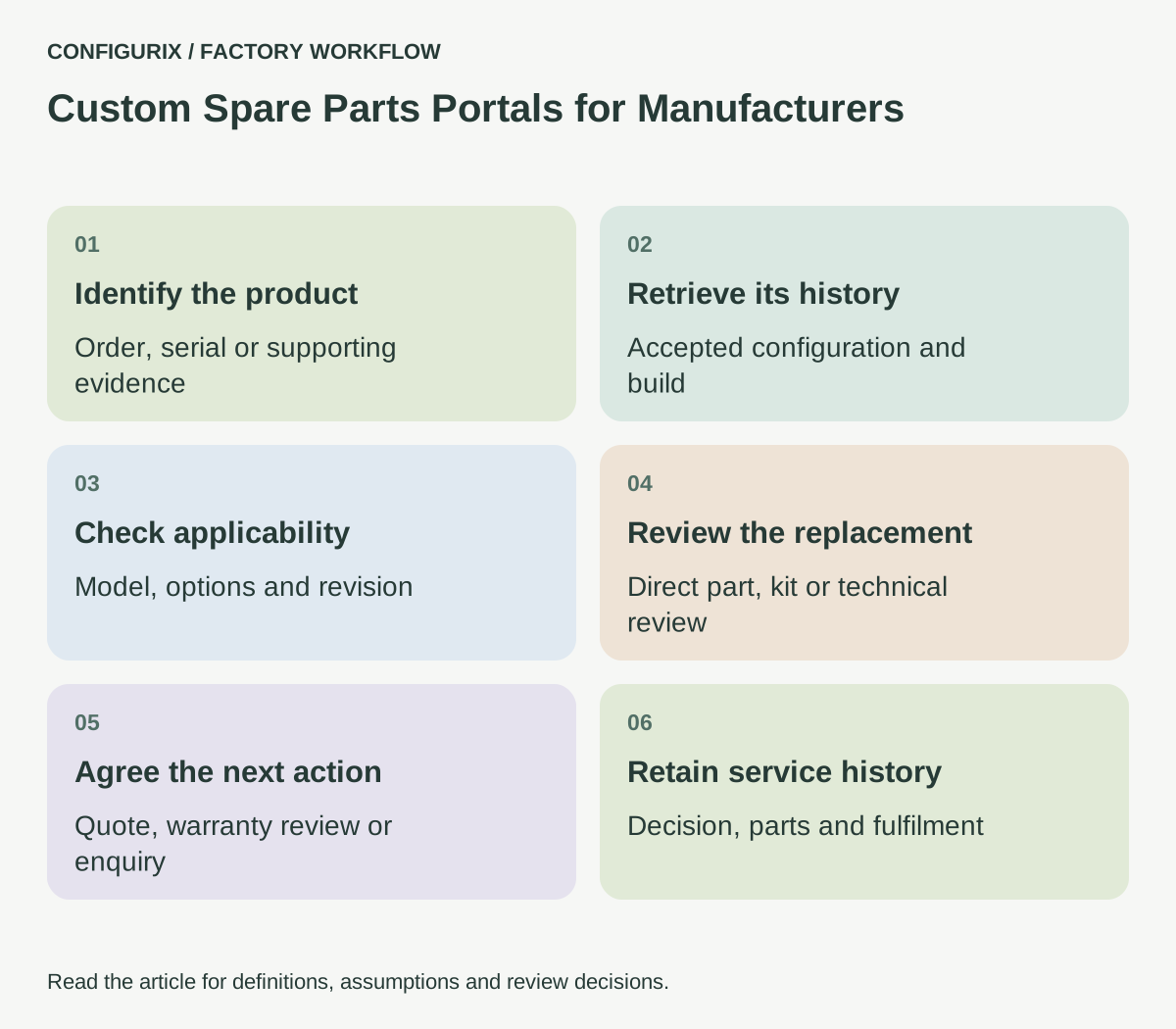
Decide which references your service team can reliably use. An order number may identify several units with different configurations. A serial number may identify one unit, but only if its association with the order and production record was captured. A customer photograph can support identification, but it should not silently replace a compatibility decision.
| Information supplied | What it can help establish | Follow-up to define |
|---|---|---|
| Order and line reference | Original commercial configuration | Confirm the affected unit |
| Serial or asset reference | Individual installed product | Retrieve its associated records |
| Product model and approximate date | A narrower catalogue range | Check revision and options |
| Component marking | Possible part identity | Verify applicability and replacement status |
| Photographs and measurements | Evidence for service review | Assign a person to confirm the match |
Make the first screen easy to complete. Ask for the strongest available reference, then reveal additional questions only when needed. A customer who does not know an internal component number should still have a clear route to a reviewed enquiry.
Preserve the configuration associated with the product
An accepted configuration describes what was ordered. Production records may identify the actual materials or approved substitutions used. Service staff need to know which record they are viewing and whether it is complete enough to support a replacement decision.
For example, two products sold under the same model name may use different hinge arrangements because of their size, opening direction or production revision. Showing the latest model's hinge by default can produce the wrong recommendation. Keep model, relevant dimensions, options and revision references visible during the review.
Where historical records are incomplete, show the missing information and request evidence. Do not create a false impression of certainty by filling gaps with today's default options. A custom portal should make identification easier while preserving the need for a technical decision where it matters.
 Open full-size image (new tab)
Maintain replacement relationships explicitly
A discontinued component may have a direct replacement, a replacement that requires an additional kit or no approved substitute. These are different outcomes and need different customer instructions.
Define a replacement record with the original reference, proposed replacement, applicable models or revisions, required additional parts and approving owner. Include effective dates where the business uses them. A statement that one supplier item replaces another is not enough if mounting dimensions, electrical characteristics or customer-visible finishes differ.
For a proposed door-hardware service workflow, a replacement handle might require a matching spindle or fixing kit. The request should identify the complete approved service set rather than selling one visible piece and leaving the installer to discover the missing component. The manufacturer supplies the real compatibility rules and installation documentation.
Separate identification, commercial approval and fulfilment
Finding a compatible part does not establish whether it is in stock, covered by warranty or appropriate for self-installation. Give each decision its own status and owner.
A service employee might confirm compatibility, then prepare a quote or warranty-review request. Purchasing or stores may confirm availability. Another team may arrange fulfilment. The customer should see a clear next step without being exposed to confusing internal status codes.
Warranty conditions should follow the manufacturer's actual policy and the relevant agreement. Do not infer coverage from a product age field alone. The software can collect the required evidence and route the request, while the responsible team makes the decision under the applicable terms.
Design the portal for dealers and end customers
Dealers may know model codes and need to manage several service requests. End customers may need photographs, plain-language descriptions and help finding the product label. Those users can share the same product records while using different interfaces.
Access should follow the relationship to the product or account. A dealer should not receive another dealer's customer history because it knows a predictable order number. A public identification form should collect the minimum information needed to route an enquiry and avoid exposing private order details before verification.
The project should define which documents are visible to which users. A public maintenance guide, a dealer installation instruction and an internal engineering note are not interchangeable. Include document revision and applicability in the content model.
Keep a service history that improves future decisions
Associate the request, identified product, selected service parts, approvals and fulfilment references. If a component is replaced, record the relevant information without pretending that the original production record has changed. The installed product's service history and its original build history should remain distinguishable.
Repeated requests can reveal unclear identification labels, missing catalogue data or a common compatibility question. Use those observations to improve the portal and product information. Do not present request counts as a product failure rate without understanding the installed population, reporting process and other relevant factors.
For the first Configurix scope, choose one product family with usable historical records and a manageable service range. Define a route for older or unknown products rather than promising automatic identification of every item ever sold.
Test ordinary and uncertain requests
Prepare a known product with a current spare part, a discontinued part with an approved replacement and a product whose revision cannot yet be confirmed. Check that the portal offers the right next action in each case.
Include a replacement requiring extra components, a request from an unrelated account and a product with more than one possible part. Confirm that uncertainty produces a review request rather than a confident but unsupported purchase recommendation. Test the handoff to the team's existing service or order system using the exact fields it needs.
Can customers order a part directly?
That can be part of the scope when product identification, compatibility, pricing and fulfilment rules support it. Other cases may be better handled as reviewed enquiries.
Can the portal use our original configurator data?
It can be designed around that relationship where the relevant records and identifiers are available. Verify the history retained today and define how future accepted configurations will be associated with delivered units.
What if we cannot identify an older product?
Give the customer a clear evidence request and route it to a service owner. Preserve uncertainty until the manufacturer can make a supported decision.
Discuss a connected product configurator implementation with Configurix. Bring your service catalogue, replacement rules and a few real support journeys so the proposed experience helps customers obtain the right part with less unnecessary correspondence.
Connect configuration to the way your factory works.
Bring your product catalogue, pricing rules and current documents. We can define a product configurator implementation around the decisions and system connections your teams need.
Discuss your factory workflow →Related articles
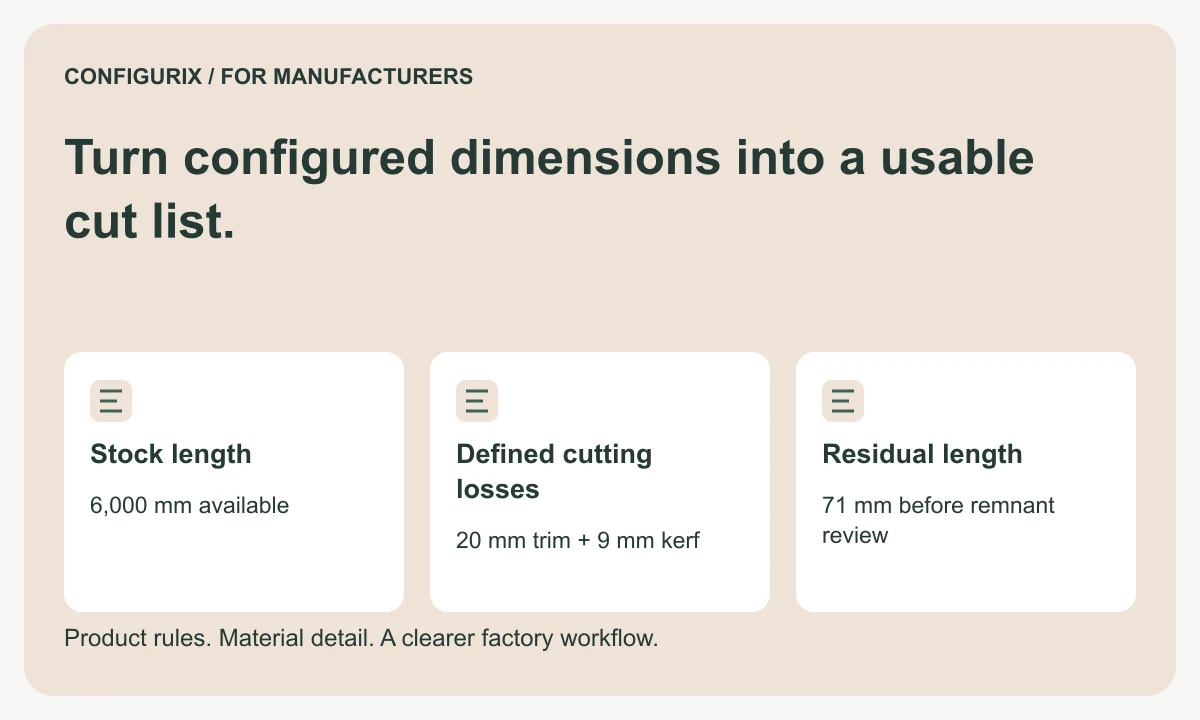
Turn configured dimensions into a usable cut list.
Specify cut lists with finished dimensions, kerf, trimming, stock lengths and remnant rules. Follow a worked cutting-feasibility calculation.
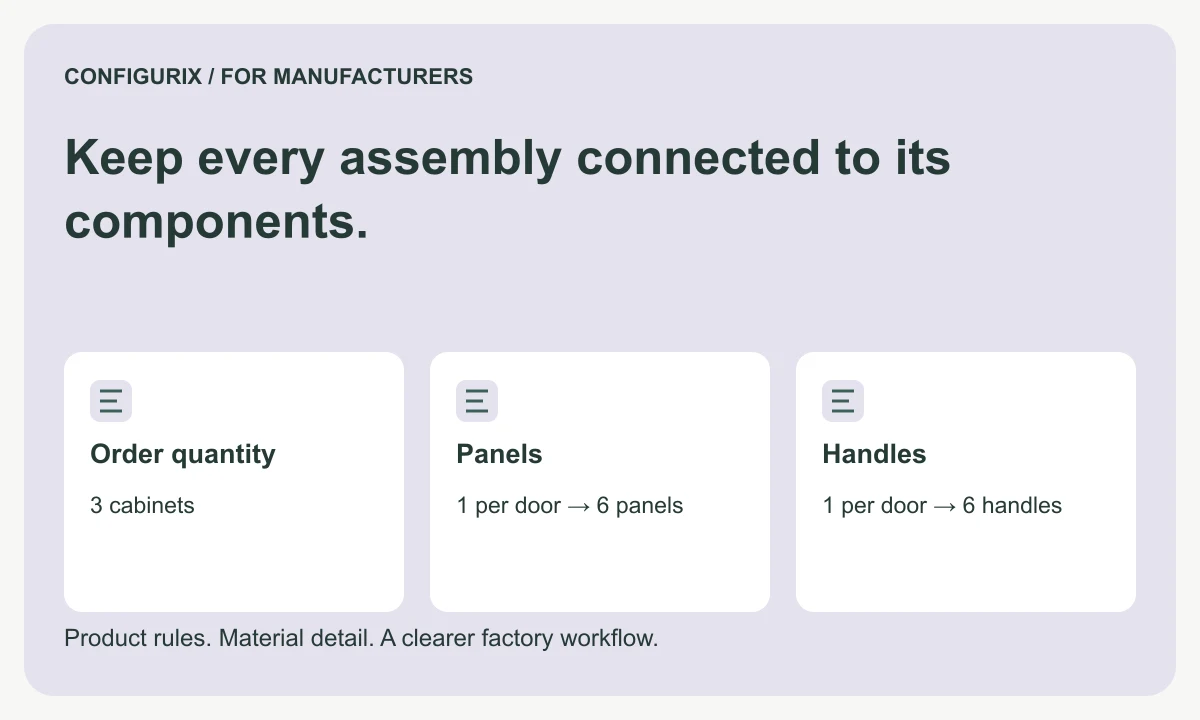
Keep every assembly connected to its components.
Plan multilevel configurable BOMs with assembly quantities, purchased kits, option inheritance, traceable aggregation and component revisions.
Understand the cost behind your configured price.
Connect BOM materials, operations, setup and packaging to quote pricing. Compare markup, margin and discounts using a worked factory cost example.
Connect quality records to the product you built.
Plan factory quality workflows linking configurations, material lots, serial numbers, inspection results, rechecks and authorised release decisions.